
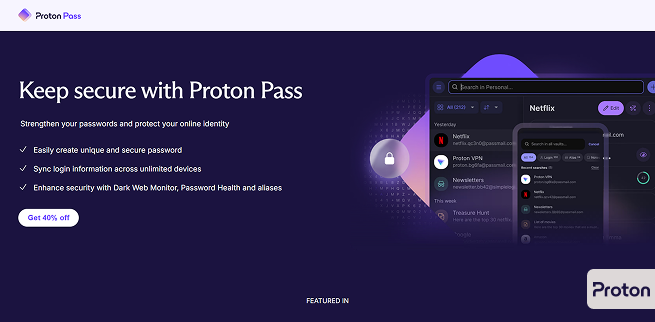
Password Manager #1: Proton Pass
URL: Proton Pass: Free password manager with identity protection | Proton
Price of Tool: Pass Plus (Monthly) $4.99, Pass Plus (Yearly) $2.49-Discounted from $4.99, Pass Family Plan (Monthly) $4.99-Discounted from $6.99.
Pros: Dark web monitoring, has email alias option, user-friendly apps, and affordable plans.
Cons: Lacks emergency access, has no desktop apps, and has no free version.
Ease of Use: It offers easy access to its tools that will save its user’s time.

Password Manager #2: Keeper
Price of Tool: Personal Plan (Monthly) $1.67-Discounted from $3.33, Family Plan (Monthly) $3.54-Discounted from $7.08, Business Starter Plan (Monthly) $7.00-Discounted from $10.00.
Pros: Numerous security products, in addition to the password manager, robust security while sharing passwords, biometric authentication for secure login, and 24/7 customer support.
Cons: Lacks automatic password updates, and no free version.
Ease of Use: Very compatible with many different devices and browsers, overall easy to use.
So, after giving the rundown between the two password managers, which one is really the best? Keeper is cheaper, they have more compatibility and easier usage, and more security options at users’ disposal. If I had to choose between the two, I would ultimately go with Keeper.